Beginner
How to log in to 192.168.2.1
Learn how to access your router’s admin panel at 192.168.2.1 in five simple steps.
118 views · 3 min
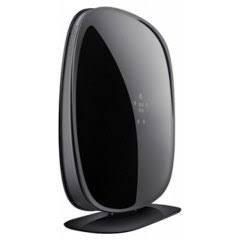
The Belkin AC1750 (F9K1113) uses 192.168.2.1 as its published default admin gateway — open http://192.168.2.1 while connected to this router to reach the login page. Factory credentials we list: username “admin” and password “password”. Change the admin password after first login, and prefer any sticker credentials if they differ. This model is listed with Wi‑Fi Wi-Fi 5 (AC1750), 1750 Mbps (firmware note: 2.0.8).
Use these factory defaults to access the Belkin admin panel. Change the password after your first login.
Step-by-step tutorials for routers using 192.168.2.1.
Beginner
Learn how to access your router’s admin panel at 192.168.2.1 in five simple steps.
118 views · 3 min
Beginner
Fix common issues when 192.168.2.1 won’t load – from network checks to browser and firewall settings.
116 views · 4 min
Intermediate
Step‑by‑step instructions to safely update your router’s firmware via 192.168.2.1.
112 views · 5 min
Intermediate
Open ports on your router at 192.168.2.1 for gaming, remote access, or cameras – includes static IP setup.
111 views · 5 min
Beginner
Restore your router to factory defaults using the 192.168.2.1 software interface or the physical reset button.
102 views · 3 min
Beginner
Change your Wi‑Fi password and network name securely using the 192.168.2.1 admin interface.Change your Wi‑Fi password and network name securely using the 192.168.2.1 admin interface.
98 views · 3 min
Beginner
Set up content filters and time limits for specific devices using the parental controls in 192.168.2.1.
97 views · 4 min