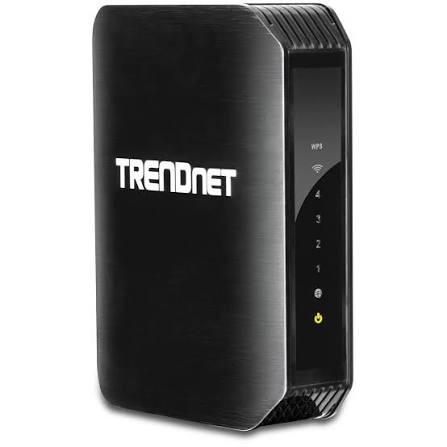
- Default IP
- 192.168.10.1
- Wi‑Fi
- Wi-Fi 4 (N450)
- Speed
- 450 Mbps

TRENDnet routers
TRENDnet router login, default IP & setup guides
Find TRENDnet default gateway IPs and admin passwords. Choose your model below for factory login details and setup guidance.
- Models listed
- 10
TRENDnet router models
Select your model for default login details and setup guides.
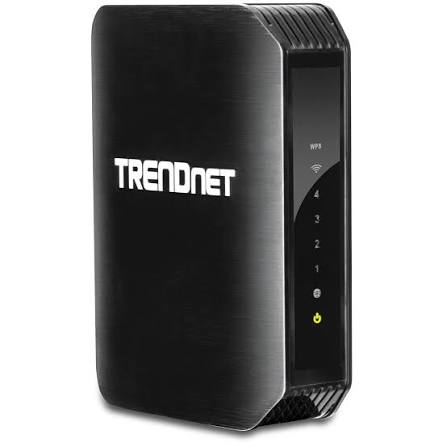
- Default IP
- 192.168.10.1
- Wi‑Fi
- Wi-Fi 4 (N600)
- Speed
- 600 Mbps
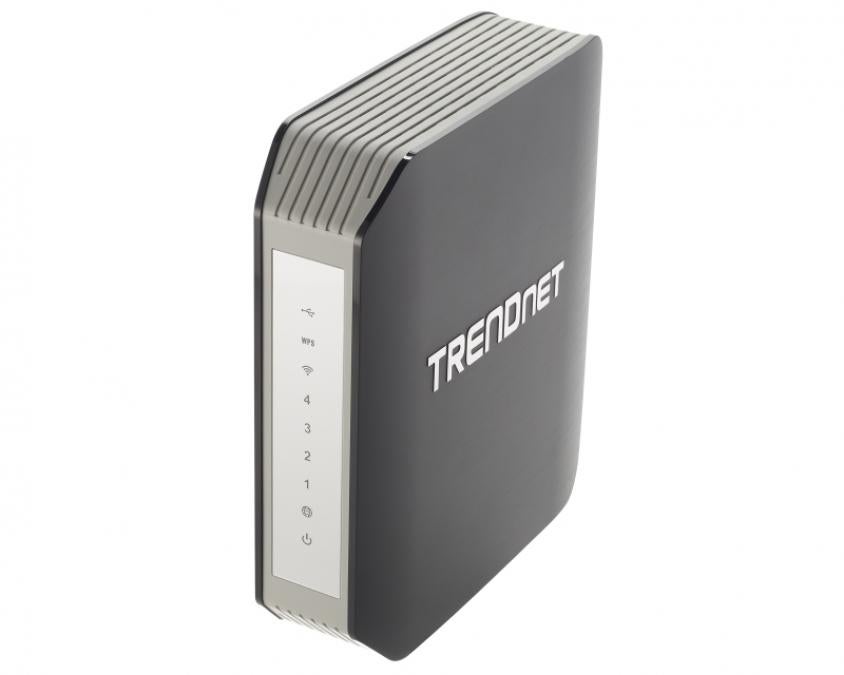
- Default IP
- 192.168.10.1
- Wi‑Fi
- Wi-Fi 5 (AC1750)
- Speed
- 1750 Mbps
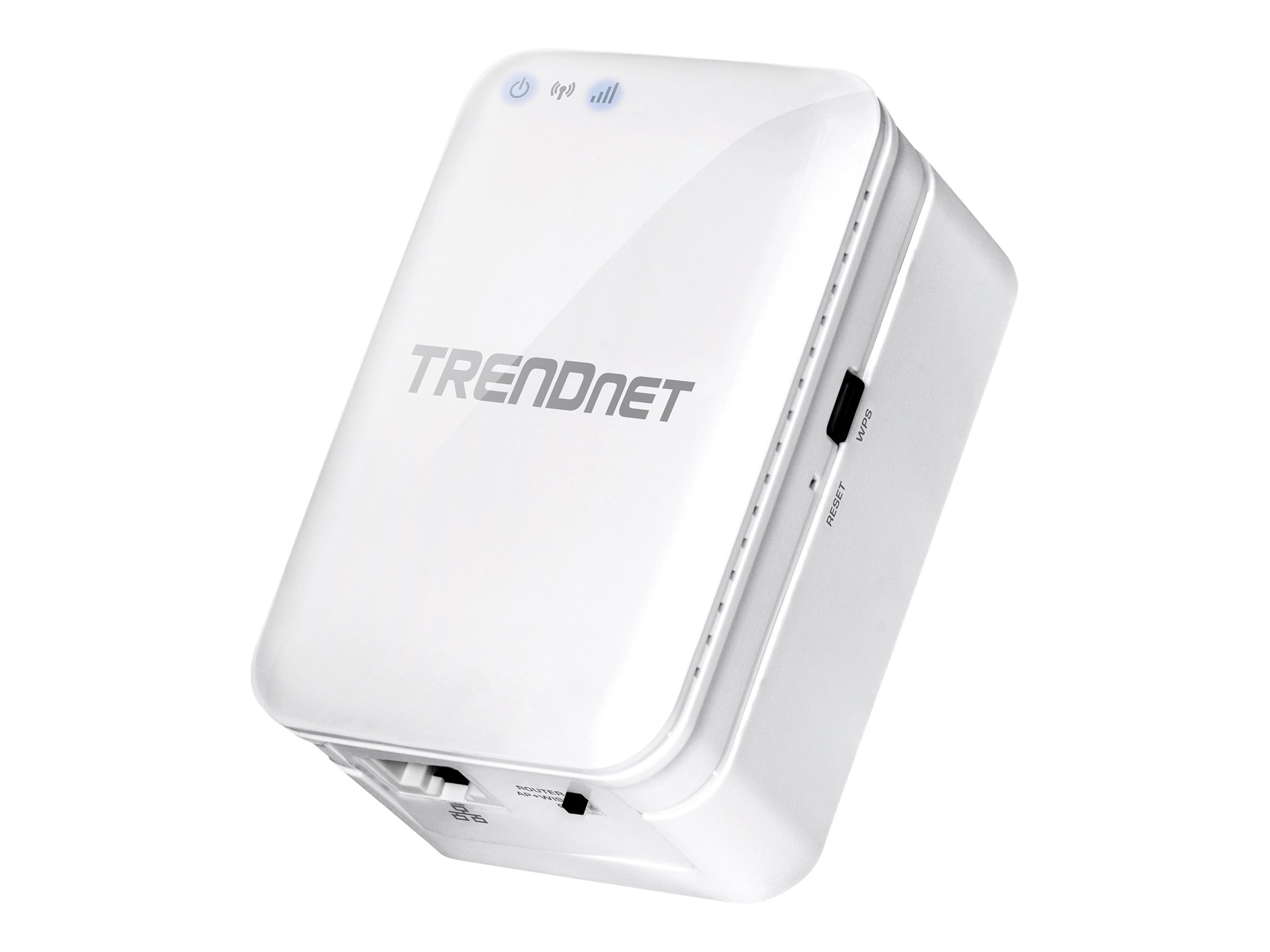
- Default IP
- 192.168.10.1
- Wi‑Fi
- Wi-Fi 5 (AC750)
- Speed
- 750 Mbps
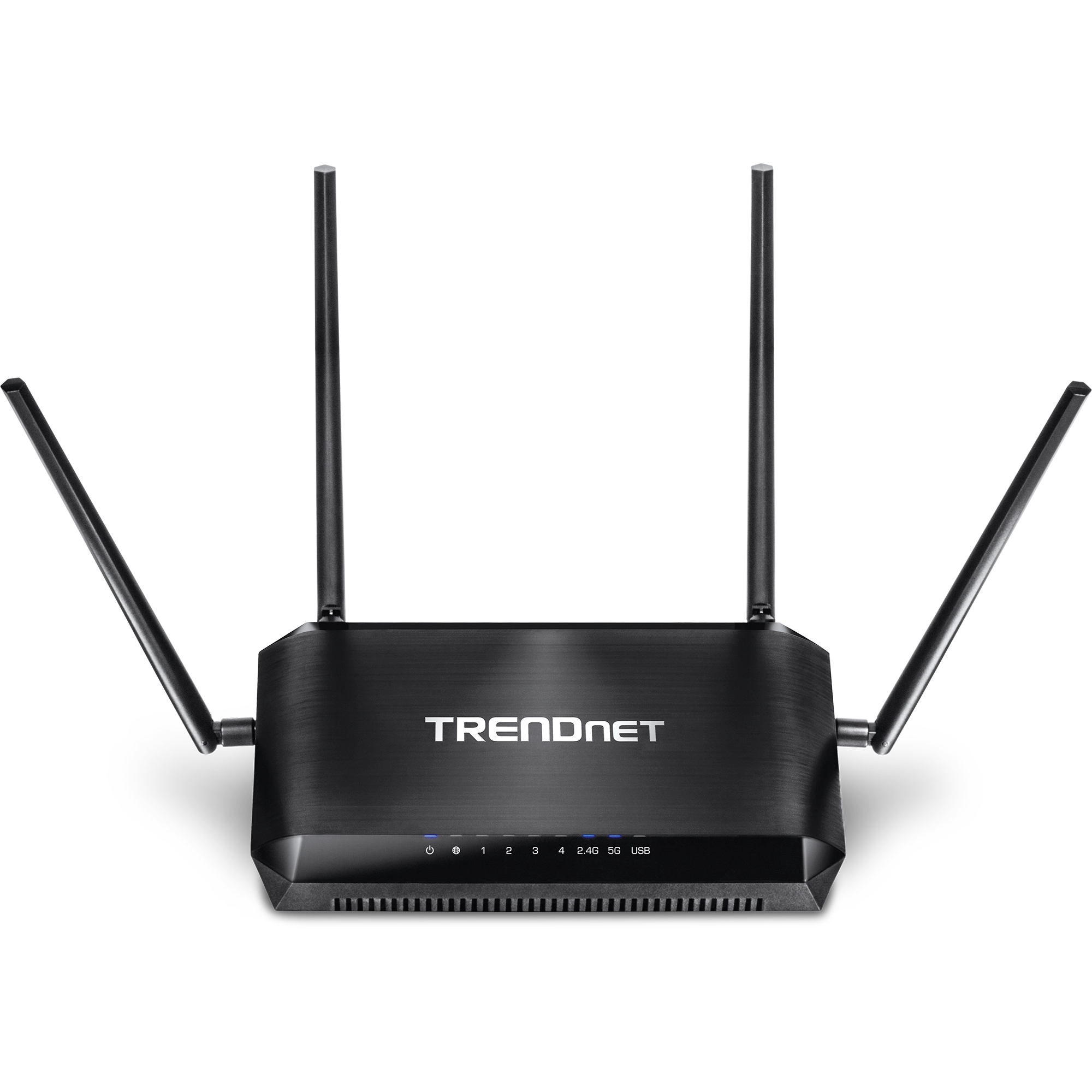
- Default IP
- 192.168.10.1
- Wi‑Fi
- Wi-Fi 5 (AC2600)
- Speed
- 2600 Mbps
- Default IP
- 192.168.10.1
- Wi‑Fi
- Wi-Fi 5 (AC3200)
- Speed
- 3200 Mbps
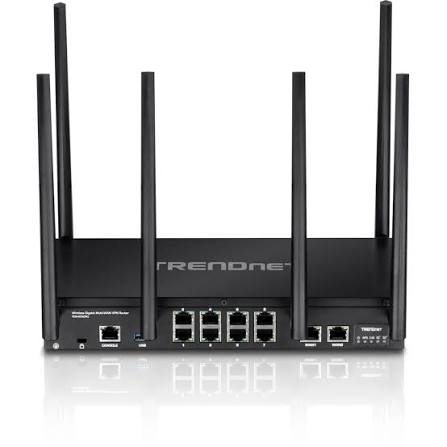
- Default IP
- 192.168.10.1
- Wi‑Fi
- Wi-Fi 5 (AC3000)
- Speed
- 3000 Mbps
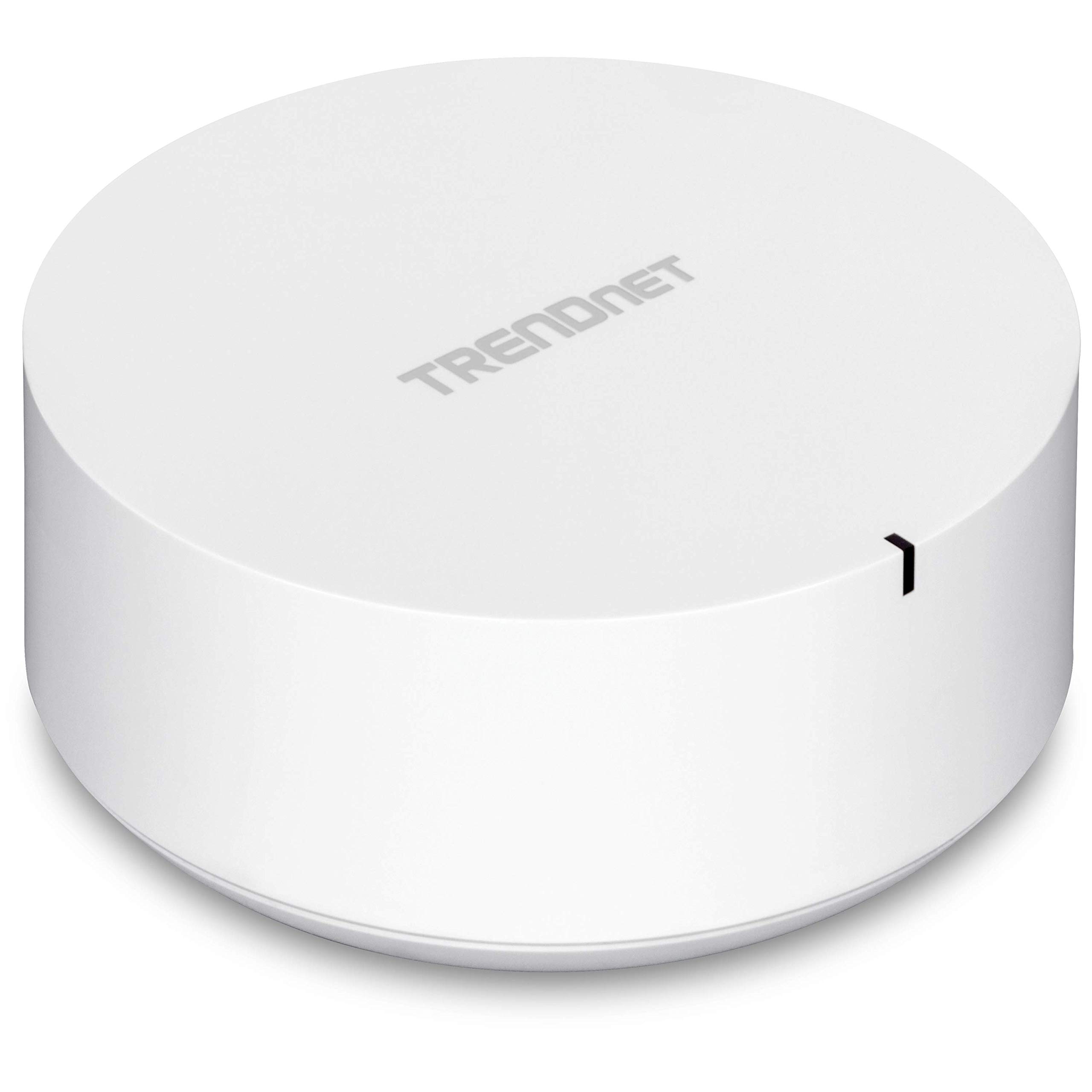
- Default IP
- 192.168.10.1
- Wi‑Fi
- Wi-Fi 5 (AC2200)
- Speed
- 2200 Mbps
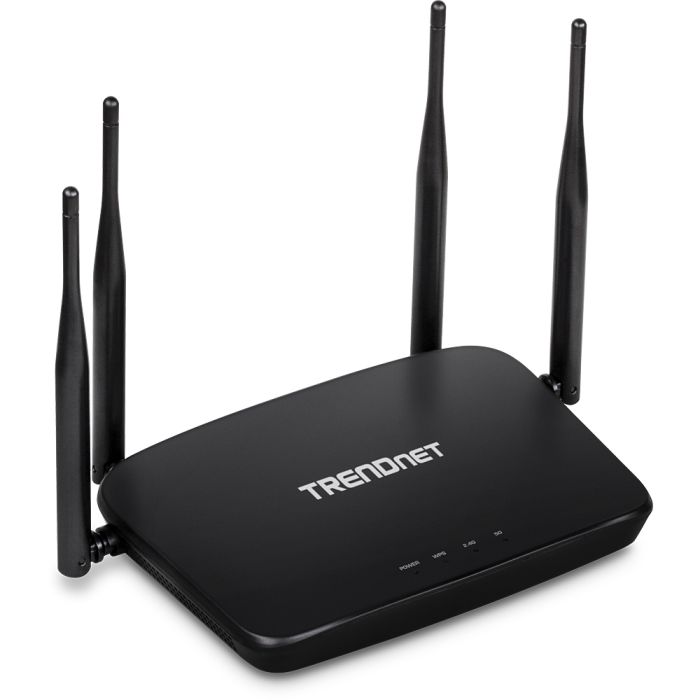
- Default IP
- 192.168.10.1
- Wi‑Fi
- Wi-Fi 5 (AC1200)
- Speed
- 1200 Mbps
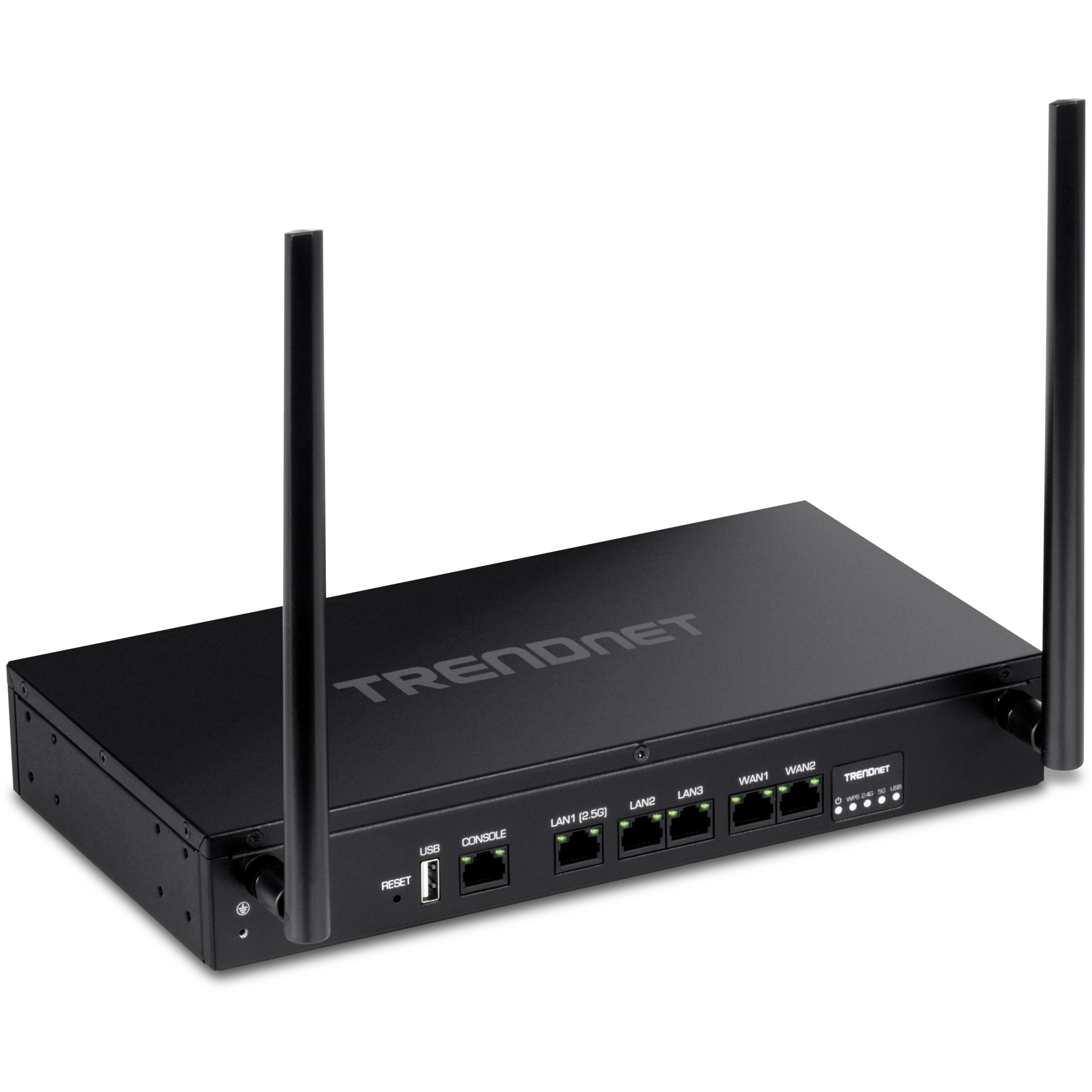
- Default IP
- 192.168.10.1
- Wi‑Fi
- Wi-Fi 6 (AX1800)
- Speed
- 1800 Mbps
Setup & login help
How to log into any router, understand gateway IPs, and fix admin pages that will not load.
-
Wifi
How to Find Your Wi-Fi Password (Any Device)
Find or reset your Wi-Fi password on iPhone, Android, Windows, Mac, or from the router admin page. Includes Xfinity and forgot-password tips.
-
Wifi
How to Change Your Wi-Fi Password on Any Router
Change your Wi-Fi password from the router admin page. Steps that work across brands, plus Xfinity tips and what to do after you save.
-
Security
How to See and Block Devices Connected to Your Router
View every device on your Wi-Fi, spot unknown MAC addresses, and block unwanted clients from the router admin page.
-
Wifi
How to Set Up a Guest Wi-Fi Network on Your Router
Create a guest Wi-Fi network so visitors stay off your main devices. Steps, security tips, and when to use a second SSID.
-
Troubleshooting
Wi-Fi Connected but No Internet: Fixes That Work
Fix the “connected without internet” problem. Check WAN, DNS, ISP outages, and router settings step by step.
-
Security
How to Protect Your Home Wi-Fi from the Router Settings
Practical Wi-Fi security checklist: strong passwords, WPA2/WPA3, guest network, WPS off, firmware updates, and device reviews.
Explore related resources
Jump between tools, gateway IP guides, and brand setup pages without guessing URLs.