Routerpedia
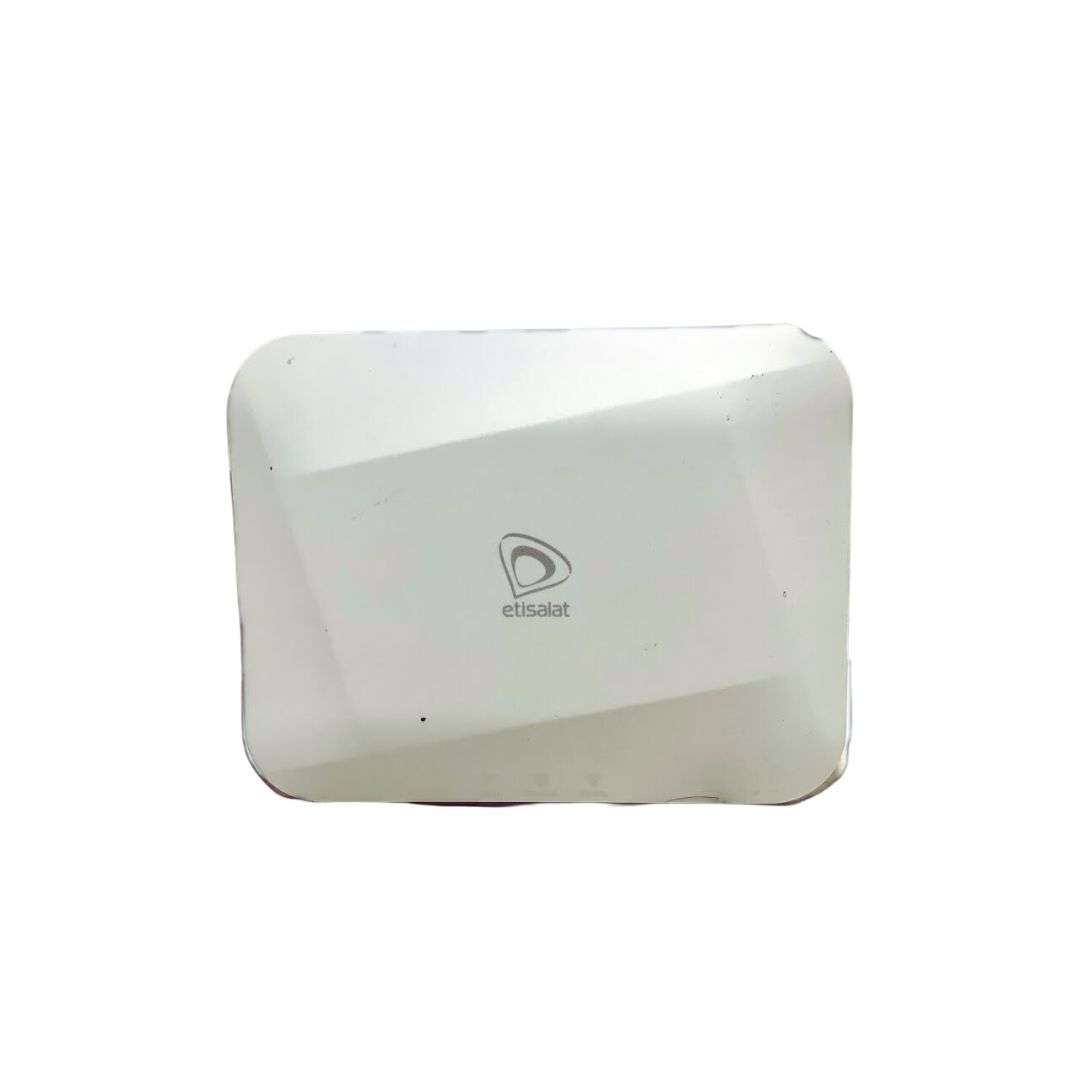
Etisalat (now e& UAE) S3 AC2100

Etisalat (now e& UAE)

Etisalat (now e& UAE) S3 AC2100

Default admin login, factory IP address, and setup guides for the Etisalat (now e& UAE) S3 AC2100 router.

Wi‑Fi
Wi-Fi 5 (AC2100)
Max speed
2100 Mbps
Firmware
1.0.8
Page views
1

S3 AC2100 default login

Use these factory defaults to access the Etisalat (now e& UAE) admin panel. Change the password after your first login.

Default IP

192.168.1.1

View IP page

Username

admin

Password

admin

Specifications

Cpu
MediaTek MT7621AT
Ram
256MB
Flash
128MB
Max Speed
2100 Mbps
Wi Fi Standard
Wi-Fi 5 (AC2100)
Firmware Version
1.0.8
Antennas
4 external high-gain
Ethernet Ports
4
Usb Ports
USB 2.0
Mesh Support
Beamforming
Mu Mimo
Ofdma
Vpn Support
Parental Controls
Guest Network
Qos
Security
WPA3
Range
2500 sq ft
Devices Supported
50
Device Type
Dual-Band Wireless Router
Manufacturer
Sercomm
Openwrt Support
Frequency Bands
2.4GHz + 5GHz

Setup guides

Step-by-step tutorials for routers using 192.168.1.1.

Search all guides

Beginner

How to Login to Router Admin Panel (192.168.1.1)

Access your router's settings dashboard by entering http://192.168.1.1 in your browser. Includes troubleshooting for common mistakes like 192.168.l.l and password recovery guidance.

81 views · 2-3 minutes

More Etisalat (now e& UAE) routers

Browse every Etisalat (now e& UAE) model with default login details.

View all Etisalat (now e& UAE) models