Beginner
Factory Reset Router via 192.168.1.1 - Hard & Soft Reset Guide
Complete guide to factory reset your router using 192.168.1.1 or physical button. Restore default settings, clear forgotten passwords, and start fresh.
282 views · 5 minutes
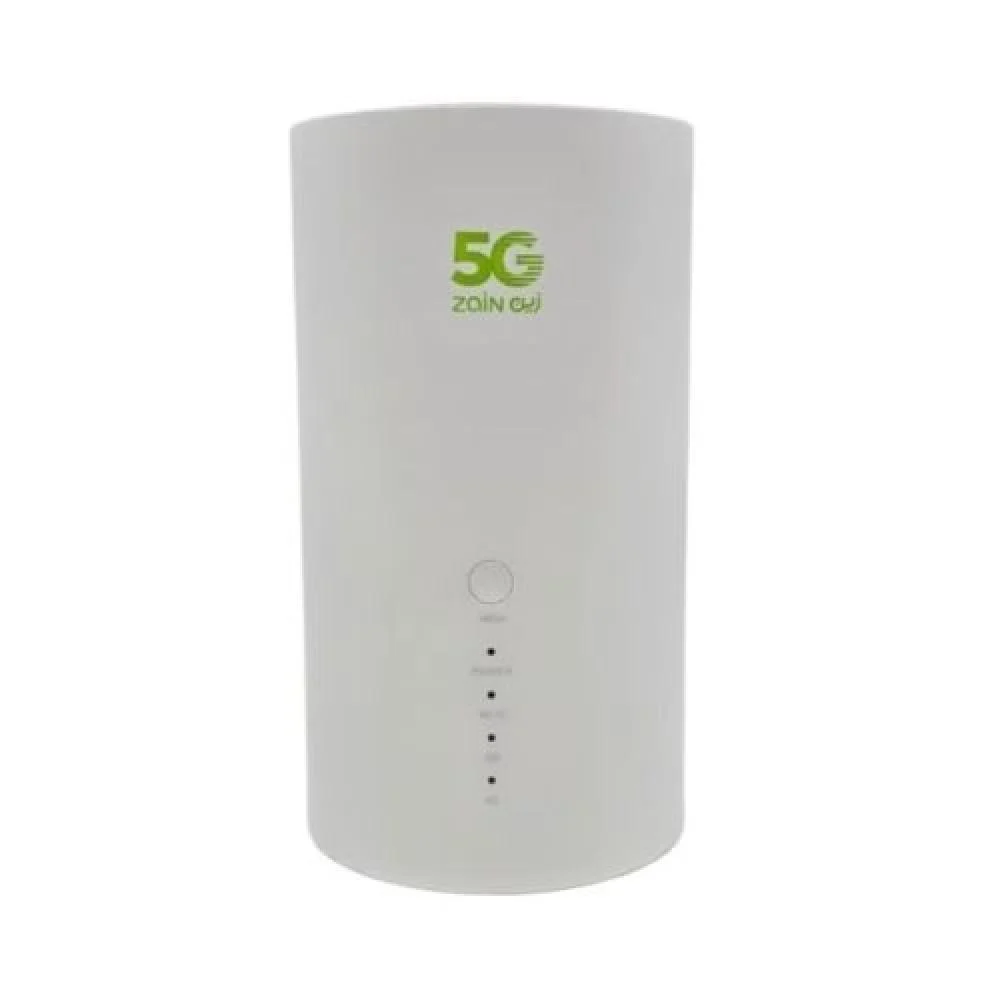
The Zain 5G CPE SRT858M (Wi-Fi 7) uses 192.168.1.1 as its published default admin gateway — open http://192.168.1.1 while connected to this router to reach the login page. Factory credentials we list: username “admin” and password “admin”. Change the admin password after first login, and prefer any sticker credentials if they differ. This model is listed with Wi‑Fi Wi-Fi 7 (802.11be), 2500 Mbps (firmware note: 1.0.3).
Use these factory defaults to access the Zain admin panel. Change the password after your first login.
Step-by-step tutorials for routers using 192.168.1.1.
Beginner
Complete guide to factory reset your router using 192.168.1.1 or physical button. Restore default settings, clear forgotten passwords, and start fresh.
282 views · 5 minutes
Beginner
Access your router's settings dashboard by entering http://192.168.1.1 in your browser. Includes troubleshooting for common mistakes like 192.168.l.l and password recovery guidance.
260 views · 2-3 minutes
Beginner
Can't access 192.168.1.1? Fix connection issues, login errors, and common problems like 192.168.l.l mistakes. Step-by-step solutions.
192 views · 5-10 minutes
Intermediate
Safe step-by-step guide to update your router firmware using 192.168.1.1 admin panel. Improve security, fix bugs, and get new features.
147 views · 10-15 minutes
Beginner
Learn how to change your WiFi password using 192.168.1.1 router admin panel. Includes security tips and WPA2/WPA3 recommendations.
145 views · 5 minutes
Beginner
Set up port forwarding using 192.168.1.1 router admin panel. Perfect for gaming servers, CCTV, remote access, and web hosting.
139 views · 10 minutes
Intermediate
Set up parental controls using 192.168.1.1 router admin panel. Block inappropriate content, schedule internet access, and monitor children's online activity.
127 views · 8 minutes