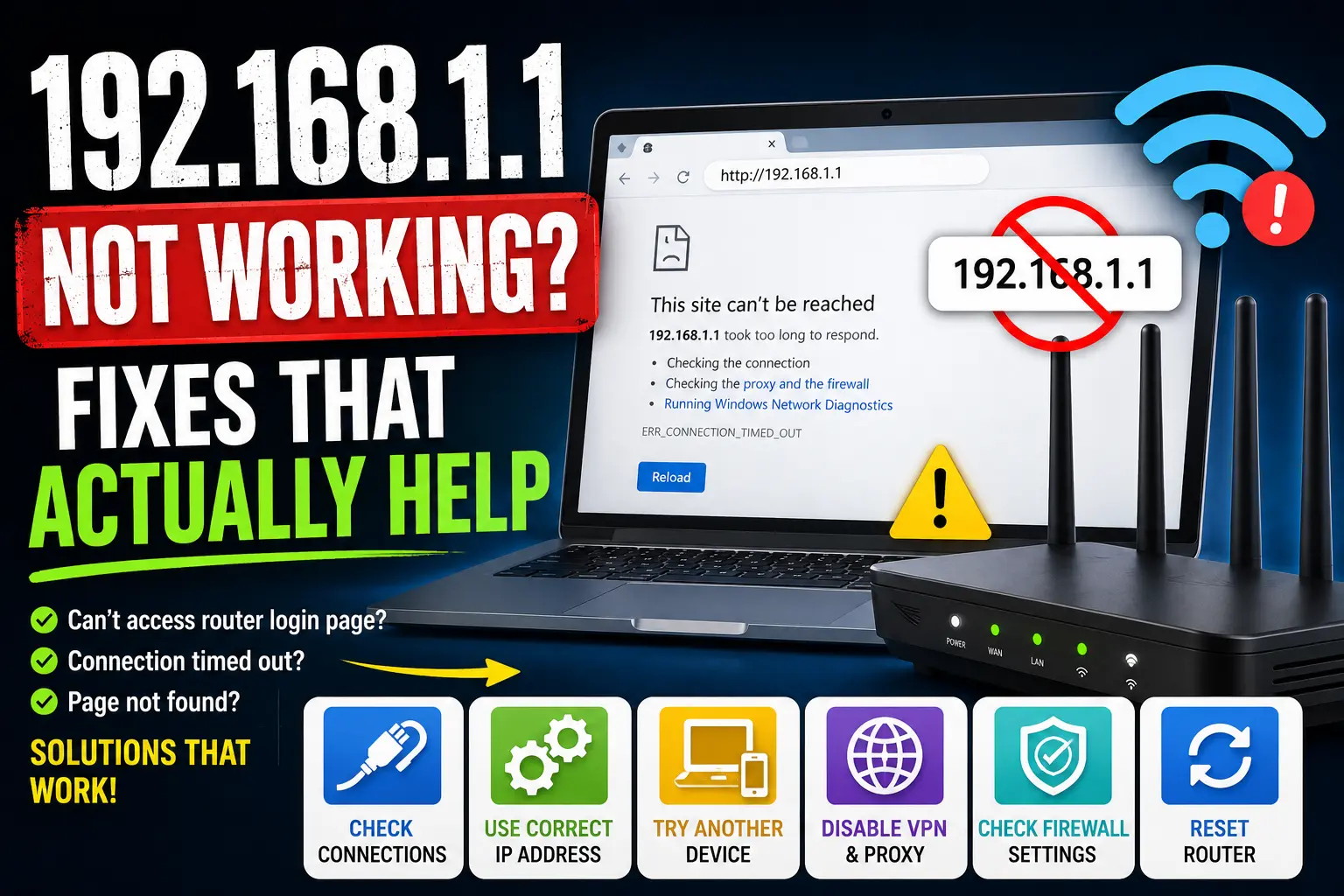
If http://192.168.1.1 will not load, the problem is usually connectivity, the wrong gateway, a typo, or a VPN, not a “broken internet.” Work through these checks in order.
1. Confirm you are on the router’s network
Use the home Wi-Fi or an Ethernet cable to the router. Guest Wi-Fi and phone hotspots often block admin access. Disable mobile data so the phone is not purely on cellular.
2. Type the IP in the address bar
Enter http://192.168.1.1 in the address bar, not Google search. Avoid broken forms like http //192.168.l.1 (letter L). Our 192.168.1.1 login page lists common mistypes.
3. Your router may not use 192.168.1.1
Many TP-Link units use 192.168.0.1. Xfinity gateways often use 10.0.0.1. Some ISP boxes use 192.168.1.254. Compare options in 1.1 vs 0.1 vs 10.0.0.1.
On Windows, run ipconfig and open the Default Gateway. On iPhone: Wi-Fi → ⓘ → Router.
4. Turn off VPN, proxy, and custom DNS experiments
VPNs can send browser traffic off-LAN so the gateway never answers. Disable VPN or proxy and retry. After testing, you can restore settings.
5. Try another browser or device
Clear cache, try private or incognito mode, or another device on the same Wi-Fi. Some HTTPS redirects show certificate warnings on local admin pages. That can be normal for the router. Proceed only if you trust you are on your own network.
6. Power-cycle modem and router
Unplug for 30 seconds, power modem first, then router. Wait until lights stabilize before retrying the gateway IP.
7. Factory reset (last resort)
A reset restores factory defaults and erases custom Wi-Fi settings. Use the reset pinhole, then log in with sticker defaults. Full login walkthrough: How to log into your router.
Still unsure which address is which? Read public vs local vs gateway IP and browse all IP guides.