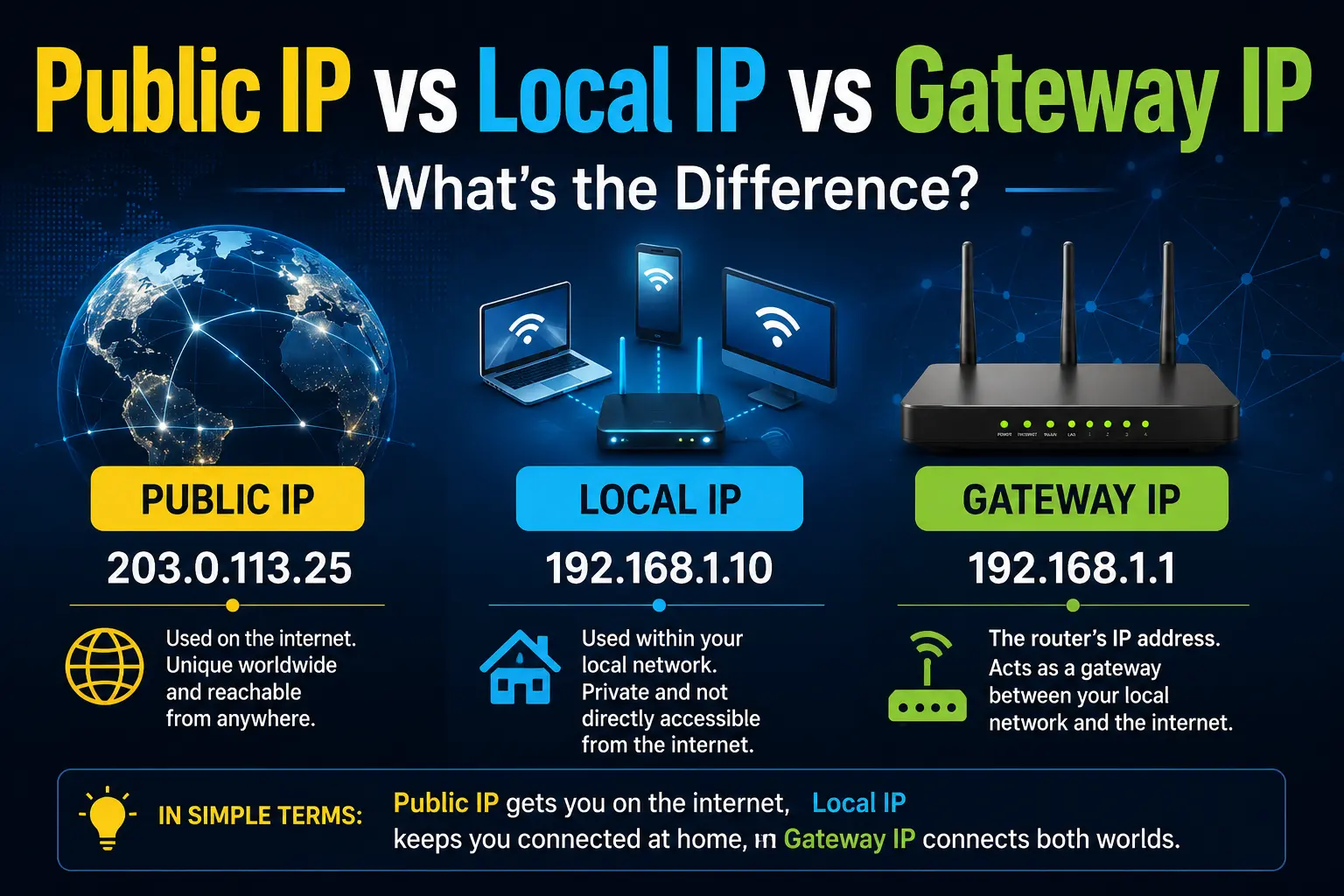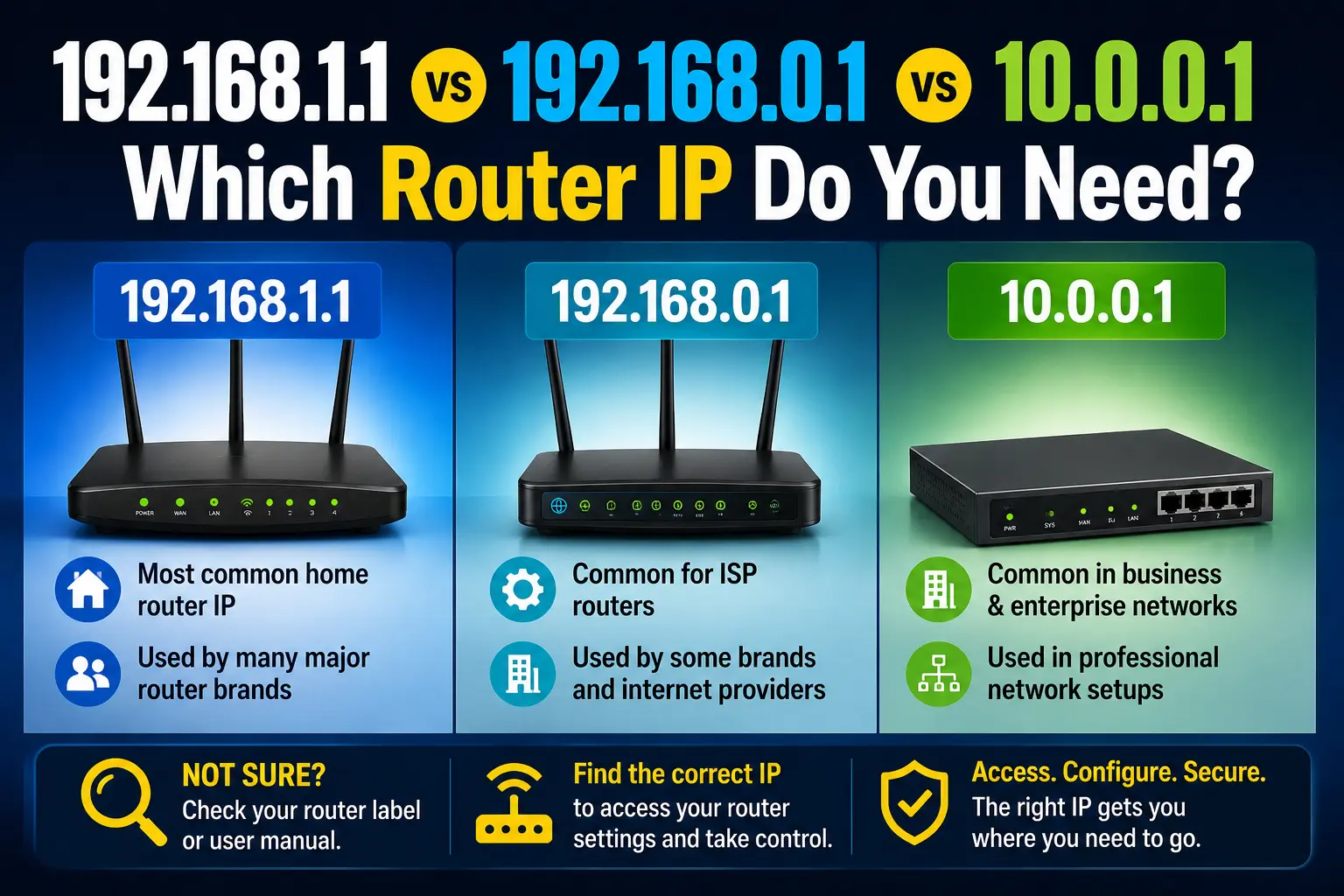
Home routers almost always use a private gateway IP for the admin page. The three you will see most often are 192.168.1.1, 192.168.0.1, and 10.0.0.1. They are different addresses. Trying the wrong one is a common reason login “does not work.”
192.168.1.1
The most widely known default. Frequent on Netgear, Asus, Linksys, and many generic routers. Open the dedicated guide: 192.168.1.1 admin login. Brand hub: Netgear.
192.168.0.1
Very common on TP-Link and D-Link home routers. If 192.168.1.1 times out, try this next. Guide: 192.168.0.1 login. Brand hub: TP-Link.
10.0.0.1
Often used by Xfinity and Comcast gateways and some other ISP equipment in North America. Guide: 10.0.0.1 Xfinity login. Brand hub: Xfinity / Comcast.
Other gateways you may see
- 192.168.1.254
- 192.168.8.1 (Huawei)
- 192.168.2.1 (Belkin)
- 192.168.100.1 (fiber ONT)
Full list: common router IP addresses.
Side-by-side
- Same job: all three can be “the router” on a LAN
- Different networks: a router on 192.168.1.1 will not answer at 192.168.0.1
- Not public IPs: none of these replace What is my IP?
- Not Google or Cloudflare DNS: 8.8.8.8 and 1.1.1.1 are DNS resolvers; see our DNS Lookup tool
How to choose the right one
- Read the sticker on the gateway
- Check Default Gateway or Router in device settings
- Match your brand on Routerpedia brands
- Follow How to log into your router
If the correct IP still fails, use 192.168.1.1 not working as a troubleshooting checklist.