Beginner
How to Factory Reset Router Using 10.10.10.1
Restore your router to factory defaults using the 10.10.10.1 software interface or the physical reset button.
34 views · 3 min
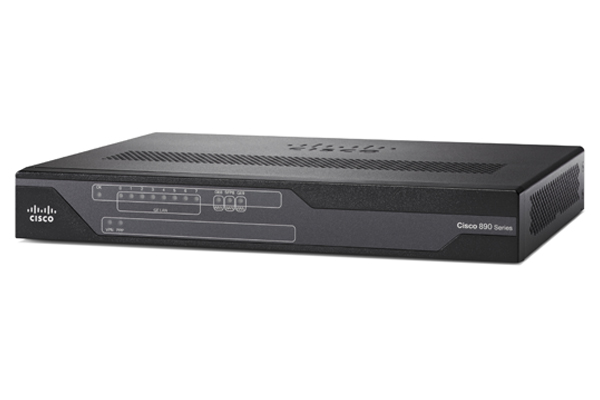
Default admin login, factory IP address, and setup guides for the Cisco 800 Series (ISR 800) router.
Use these factory defaults to access the Cisco admin panel. Change the password after your first login.
Step-by-step tutorials for routers using 10.10.10.1.
Beginner
Restore your router to factory defaults using the 10.10.10.1 software interface or the physical reset button.
34 views · 3 min
Beginner
Change your Wi‑Fi password and network name securely using the 10.10.10.1 admin interface.
33 views · 3 min
Beginner
Learn how to access your router’s admin panel at 10.10.10.1 in five simple steps.
31 views · 3 min
Intermediate
Open ports on your router at 10.10.10.1 for gaming, remote access, or cameras – includes static IP setup.
31 views · 5 min
Intermediate
Step‑by‑step instructions to safely update your router’s firmware via 10.10.10.1.
30 views · 5 min
Beginner
Set up content filters and time limits for specific devices using the parental controls in 10.10.10.1.
30 views · 4 min
Beginner
Fix common issues when 10.10.10.1 won’t load – from network checks to browser and firewall settings.
28 views · 4 min