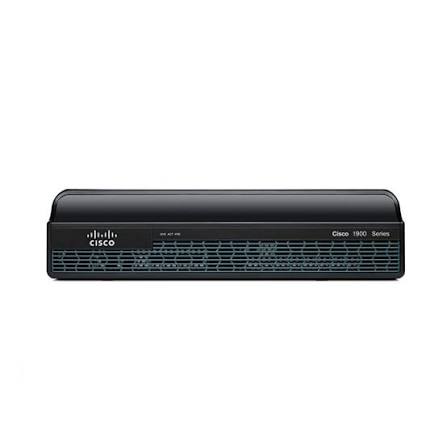
- Default IP
- 192.168.1.1
- Wi‑Fi
- None (Wired Router)
- Speed
- 1000 Mbps
Cisco routers
Cisco router login, default IP and setup guides
Cisco devices vary widely between home and business firmware. Use the model list below for published default IPs and login details, and always prefer credentials printed on the device label.
- Models listed
- 10
Cisco router models
Select your model for default login details and setup guides.
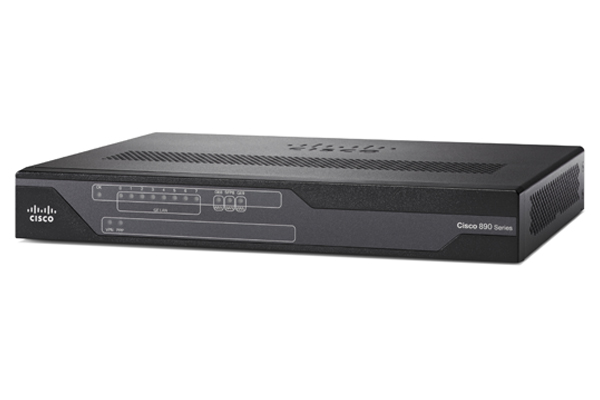
- Default IP
- 10.10.10.1
- Wi‑Fi
- Wi-Fi 4 (802.11 b/g/n)
- Speed
- 100 Mbps
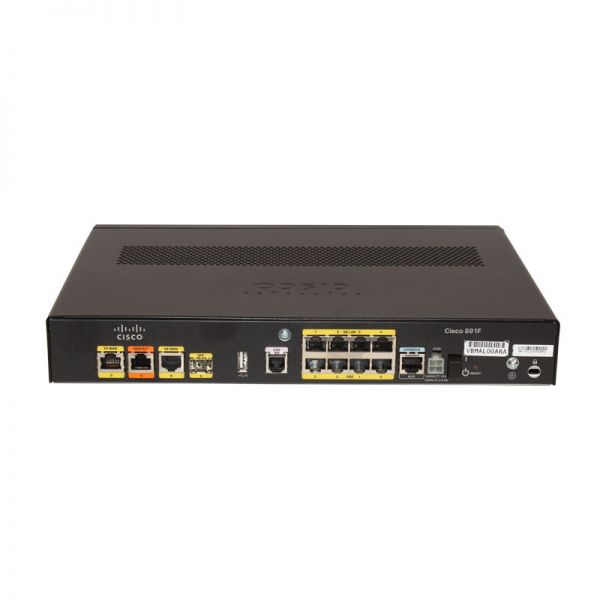
- Default IP
- 10.10.10.1
- Wi‑Fi
- Wi-Fi 4 (802.11 b/g/n)
- Speed
- 100 Mbps
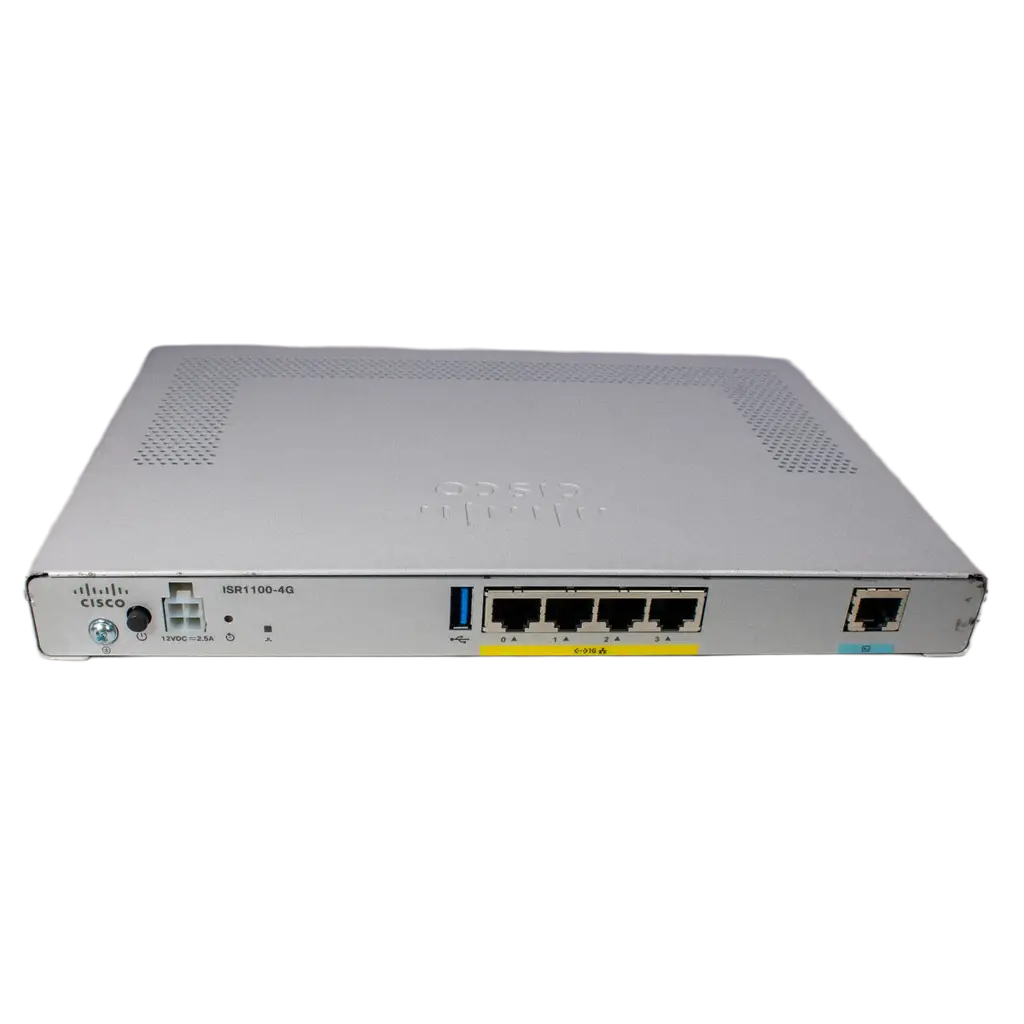
- Default IP
- 192.168.1.1
- Wi‑Fi
- Wi-Fi 3 (802.11g)
- Speed
- 54 Mbps (802.11g)
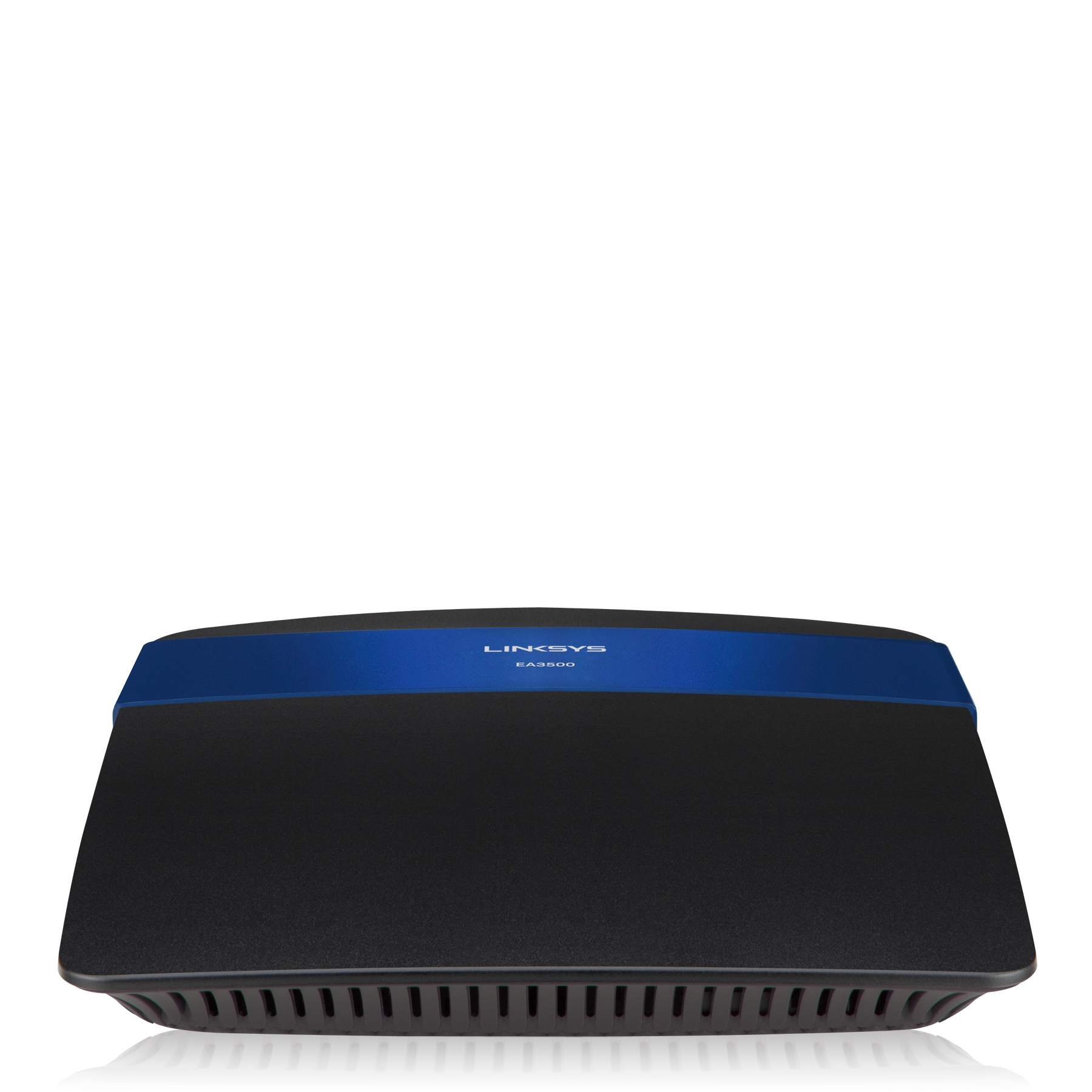
- Default IP
- 192.168.1.1
- Wi‑Fi
- Wi-Fi 4 (802.11 b/g/n)
- Speed
- 750 Mbps (N600 + N150)
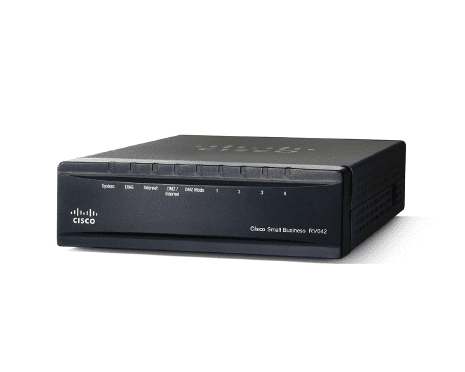
- Default IP
- 192.168.1.1
- Wi‑Fi
- None (Wired Router)
- Speed
- 100 Mbps
- Default IP
- 192.168.1.1
- Wi‑Fi
- None (Wired Router)
- Speed
- 100 Mbps
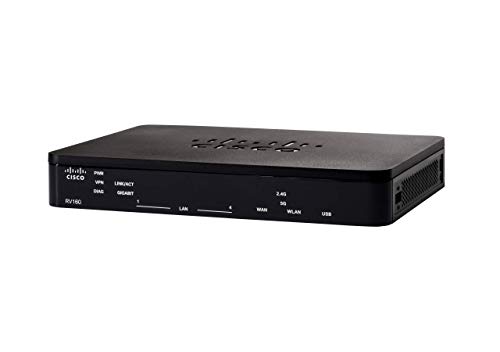
- Default IP
- 192.168.1.1
- Wi‑Fi
- None (Wired Router)
- Speed
- 1000 Mbps
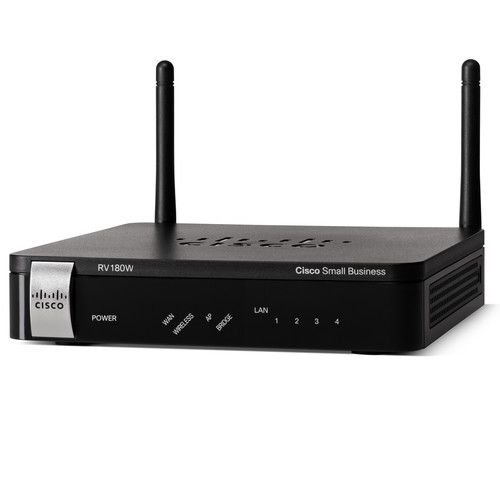
- Default IP
- 192.168.1.1
- Wi‑Fi
- Wi-Fi 4 (802.11 b/g/n)
- Speed
- 300 Mbps (Wi-Fi N)
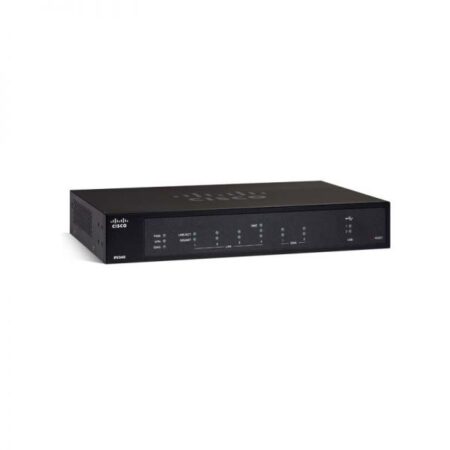
- Default IP
- 192.168.1.1
- Wi‑Fi
- None (Wired Router)
- Speed
- 1000 Mbps
Cisco router login help: default IP, password tips, and model notes
Cisco covers a wide range of gear, from small office VPN routers to older ISR appliances and wireless access points that people still keep online at home or in a shop. That range is why “Cisco router login” searches feel messy. There is no single password that works on every unit, and the admin address is not always the same as a typical home Wi‑Fi box. This page collects the Cisco models we publish on Routerpedia so you can open the right product, read its default IP, and follow a sensible login path without treating every Cisco device like a TP-Link living room router.
Before you type anything in a browser, flip the device over or check the side label. Many Cisco and Cisco Linksys era units print the default gateway, a serial number, and sometimes a recovery note. If your sticker shows an IP that differs from our model card, trust the sticker. Firmware revisions, ISP custom images, and previous owners who changed LAN settings all override factory lists. Our job is to give you a strong starting point and clear next steps when the first try fails.
Common default IPs on Cisco gear
A large share of the Cisco models listed above use 192.168.1.1 as the LAN admin address. That includes several RV series VPN routers and some Aironet related entries in our catalog. Other units, especially certain ISR 800 family devices, ship with 10.10.10.1 instead. If 192.168.1.1 times out, try the IP on your model card, then confirm what your computer actually uses as its default gateway.
To find the live gateway on Windows, open Command Prompt and run ipconfig, then look for Default Gateway. On a Mac, check System Settings, Network, details for your connection, and the Router field. On a phone, open the Wi‑Fi network details and look for Router or Gateway. That number is the address you should paste into the browser while you stay on the same network. Guest Wi‑Fi and mobile data will not reach a private admin page.
Need a refresher on how public IP, local IP, and gateway IP differ? Read public vs local vs gateway IP. Cisco login problems are often just the wrong class of address. People paste their public WAN IP into the bar, or they confuse a LAN host address with the router itself.
Usernames, passwords, and first login habits
Consumer leaning Cisco and Linksys branded hardware often used simple pairs such as admin with a blank password, or admin with admin, depending on the generation. Small business RV routers may ask for cisco/cisco on some factory images, or a password you set in the first time setup wizard. Enterprise style IOS devices can require console access or an enable secret that was never meant to be recovered from a public web page. Always start with the label and the model page. If neither helps and you own the device, a controlled factory reset may be the only honest path back in.
After you sign in, change the admin password immediately if it is still a factory value. Store the new password in a manager you control. Then review wireless settings if the unit has Wi‑Fi, or review WAN and VPN sections if you bought the router for dual WAN or remote access. Leave HTTPS certificate warnings in context: local admin pages frequently use self signed certificates. That warning does not mean the internet is attacking you, but you should still only open the admin URL on a network you trust.
How the model list on this page helps
Each card above links to a model page with the default IP we have on file, plus Wi‑Fi and speed notes when they apply. Wired VPN routers may show “None” for Wi‑Fi because they were never meant to broadcast an SSID. Access point style entries focus on wireless standards that matter for coverage planning. Use the search box if you remember part of the model name, such as RV340, 1941, or EA3500.
Seeing a Linksys model under Cisco is not a mistake in every case. Cisco owned Linksys for years, and many homes still run that hardware under mixed branding in manuals and retail listings. If your sticker says Linksys but you landed here through a Cisco search, open the matching model or visit the Linksys brand page as well. What matters is the exact product family and the IP that device answers on today.
When the Cisco admin page will not load
Start with the basics from our troubleshooting hub. Confirm the Ethernet or Wi‑Fi connection is to this Cisco unit, not a second router downstream. Turn off VPN apps on the laptop you are using. Try another browser or a private window. Type http:// followed by the IP in the address bar, not the search box. If HTTPS fails with a stubborn error, try plain HTTP once, then lock the session down after you are in.
Wrong subnet is a classic Cisco lab and office issue. If someone set the LAN to 10.10.10.x and your PC still sits on 192.168.1.x from an old DHCP lease, the admin page will never answer. Renew the lease, or set a temporary static IP in the same subnet as the router, then try again. Our subnet calculator helps you see which addresses belong together when you are renumbering a small office LAN.
If you are unsure whether 192.168.1.1 is even the right family of gateway for your home, compare it with other common router IPs. Cisco is often 192.168.1.1 or 10.10.10.1, while many TP-Link units prefer 192.168.0.1 and many Xfinity gateways use 10.0.0.1. Matching the brand pattern saves a lot of frustration.
Setup tasks people usually want next
Home users who inherited a Cisco or Linksys box usually want a working SSID, a strong Wi‑Fi password, and parental or guest controls if the firmware offers them. Small offices often care about dual WAN failover, VPN tunnels, and DHCP reservations for printers. Whatever your goal, finish login first, then change one setting group at a time and save. Reboot only when the UI asks for it. Document the new admin password and the LAN IP you settled on so the next person is not locked out.
For a brand neutral walkthrough of the login ritual itself, use How to log into your router. For DNS checks after you change WAN or LAN DNS fields, open the DNS lookup tool. To see the public address your ISP assigned while you test remote access, use What is my IP?. None of those tools replace the Cisco admin panel. They sit beside it so you can verify the network path.
Safety and realistic expectations
Routerpedia publishes educational login and setup information for devices people already own or manage. We are not affiliated with Cisco Systems. Default credentials on the internet can be wrong for your exact firmware. Never use these guides to access a network without permission. If this Cisco unit belongs to your workplace, ask IT before you reset or change WAN settings that might break VPN or firewall policy.
Browse the model cards above to open a dedicated page for your hardware. If your exact SKU is missing, contact us with the model string from the sticker and we can prioritize it. For more manufacturers, return to the full router brands directory. For IP focused help, stay inside the router IP address section. Clear paths beat a pile of thin pages that all say the same thing.
Setup & login help
How to log into any router, understand gateway IPs, and fix admin pages that will not load.
-
Wifi
How to Find Your Wi-Fi Password (Any Device)
Find or reset your Wi-Fi password on iPhone, Android, Windows, Mac, or from the router admin page. Includes Xfinity and forgot-password tips.
-
Wifi
How to Change Your Wi-Fi Password on Any Router
Change your Wi-Fi password from the router admin page. Steps that work across brands, plus Xfinity tips and what to do after you save.
-
Security
How to See and Block Devices Connected to Your Router
View every device on your Wi-Fi, spot unknown MAC addresses, and block unwanted clients from the router admin page.
-
Wifi
How to Set Up a Guest Wi-Fi Network on Your Router
Create a guest Wi-Fi network so visitors stay off your main devices. Steps, security tips, and when to use a second SSID.
-
Troubleshooting
Wi-Fi Connected but No Internet: Fixes That Work
Fix the “connected without internet” problem. Check WAN, DNS, ISP outages, and router settings step by step.
-
Security
How to Protect Your Home Wi-Fi from the Router Settings
Practical Wi-Fi security checklist: strong passwords, WPA2/WPA3, guest network, WPS off, firmware updates, and device reviews.
Explore related resources
Jump between tools, gateway IP guides, and brand setup pages without guessing URLs.